Give Claude Code the transcripts of a whole YouTube playlist
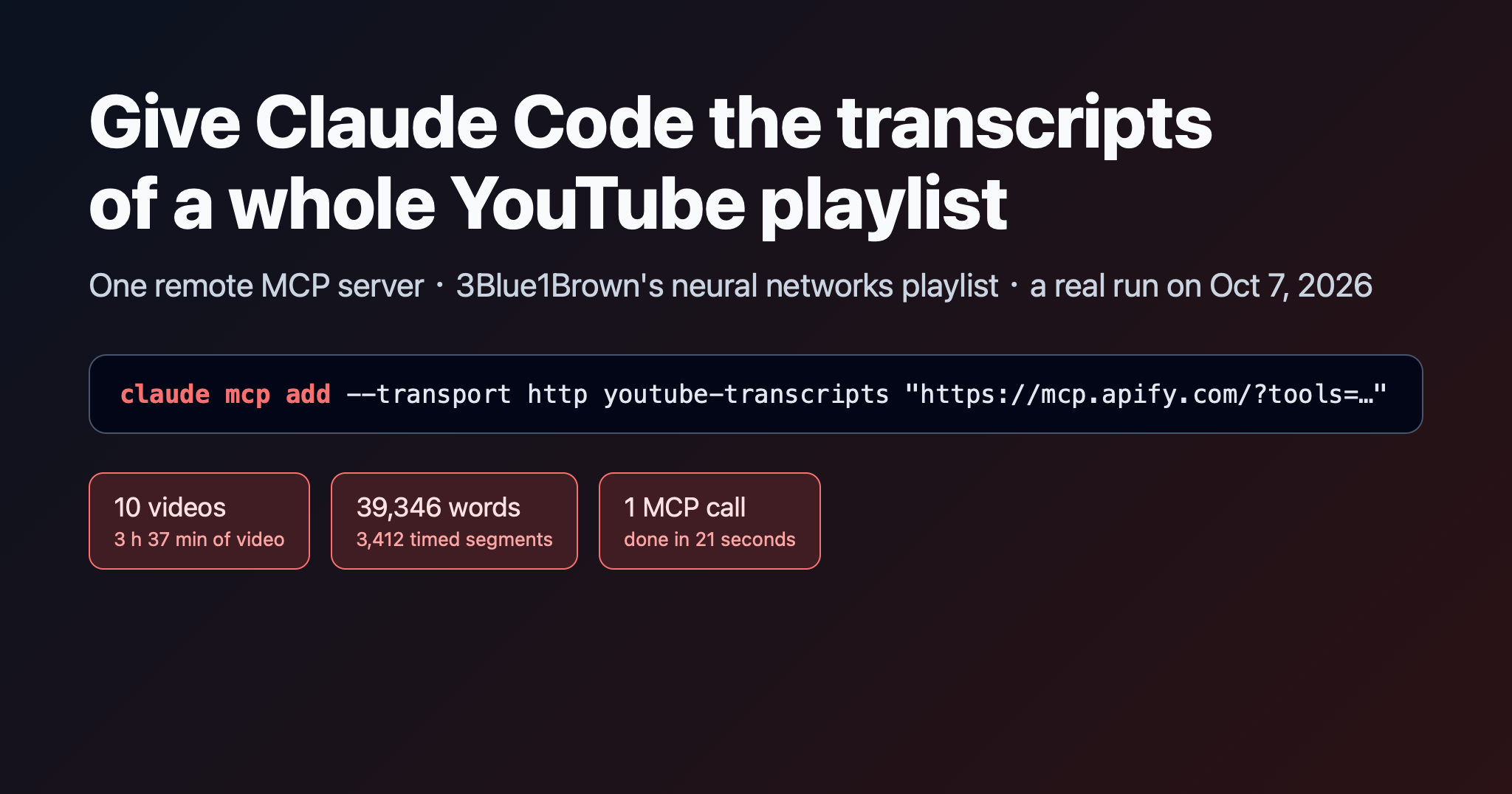
One remote MCP server and one prompt: 10 videos and 39,346 words of timestamped transcripts, ready for study guides.
Claude Code can't watch YouTube, and pasting transcripts in by hand gets old after the second video. With one remote MCP server, it can fetch every transcript in a playlist itself, with timestamps, and then summarize, compare or quiz you on them. We (Zebu Data) build the transcript scraper used in this post, and everything below comes from a real run on Oct 7, 2026.
What you need
Claude Code, or any MCP client that supports remote servers over streamable HTTP.
An Apify account. The scraper runs on Apify, and a free Apify account is enough to try it.
Step 1: Add the server
claude mcp add --transport http youtube-transcripts "https://mcp.apify.com/?tools=delicious_zebu/youtube-transcript-scraper"
The tools= parameter limits the server to the scrapers you list, so the agent only sees what you gave it. The first time the tool runs, you sign in to Apify, and usage is billed to your Apify account.
Step 2: Ask in plain English
We used 3Blue1Brown's neural networks playlist, 10 videos from "But what is a neural network?" to transformers and LLMs:
Get the transcripts of every video in this playlist: https://www.youtube.com/playlist?list=PLZHQObOWTQDNU6R1\_67000Dx\_ZCJB-3pi. Then make me a study guide with one section per video, the key ideas, and timestamps I can click.
What happens under the hood
We traced the raw MCP traffic for this request.
Discovery.
tools/listreturns 5 tools: the transcript scraper (delicious_zebu--youtube-transcript-scraper) plus four helpers for longer jobs:get-actor-run,get-dataset-items,get-key-value-store-recordandabort-actor-run.The call. The agent calls the scraper with:
{ "playlists": ["https://www.youtube.com/playlist?list=PLZHQObOWTQDNU6R1_67000Dx_ZCJB-3pi"], "max_videos_per_playlist": 0, "language": "original" }0means the whole playlist. The default is 20 videos per playlist, channel or search.Done in one call. The response came back after 21 seconds with status
SUCCEEDEDand the message "Scraped 10 transcripts from 10 videos." The run itself took 16.9 seconds. The tool waits up to 30 seconds by default (waitSecs, maximum 45), so short jobs like this finish inside a single call. Slower scrapers come back asRUNNING, and the agent polls withget-actor-run.Reading only what it needs. The response also tells the model to call
get-dataset-itemswith afieldslist. Asking fortitle,video_duration,language,is_auto_generatedreturned 3 of the 10 items in 0.9 seconds, with a note to continue atoffset=3. That keeps the 39,346 words of transcript out of the context until the agent actually needs them.
The result
That one playlist gave us:
10 videos, about 3 h 37 min of video in total,
39,346 words of transcript,
3,412 timed segments, about 3.4 seconds each,
all 10 with creator-made English subtitles, none auto-generated,
4 to 30 subtitle languages per video, from the creator and the community.
Each video is one row. With the text left out and the lists shortened, a row looks like this:
{
  "video_id": "aircAruvnKk",
  "title": "But what is a neural network? | Deep learning chapter 1",
  "channel_name": "3Blue1Brown",
  "video_duration": "18:40",
  "language": "English",
  "is_auto_generated": false,
  "transcript": "…",
  "segments": [{ "start": 4.22, "end": 5.4, "start_time": "0:04", "text": "…" }, …],
  "available_languages": [{ "language_code": "ar", "language": "Arabic", "is_auto_generated": false }, …]
}
The full row also has the publish date, view count, description and thumbnail. segments is what makes the study guide clickable: every line has a start time.
Tips from the run
Ask for fields, not everything. Have the agent fetch
titleandsegmentsfor the videos it's working on, one page at a time, instead of all transcripts at once.Turn timestamps into links.
https://youtu.be/<video_id>?t=<start>opens the video at that line. Roundingstartdown to whole seconds is enough.Pick the language.
languagetakesoriginal(the video's own language), a code such asdeorja, orallfor every track. Checkavailable_languagesfirst to see what exists.Auto-generated captions are the backup. Creator subtitles come first. If a video has none,
include_auto_generated(on by default) falls back to YouTube's speech captions, andis_auto_generatedtells you which one you got.Need subtitle files? Set
subtitle_formattosrtorvttand each row also carries the full file as text.
Going further
The same tool takes video links, whole channels (Videos, Shorts or Live tab) and search terms, mixed in one run. Our other YouTube scrapers cover search results, channel video lists, video stats and comments, and they work over MCP the same way: list them in the tools= parameter, separated by commas.
YouTube Transcript Scraper on Apify. Pricing is pay per event: a small charge per run plus one per transcript. See the Pricing tab for current rates.
Transcripts belong to the people who made the videos. You're responsible for using them in line with copyright law and YouTube's terms, for example for study, research or accessibility.
Written with AI assistance and checked against real runs.